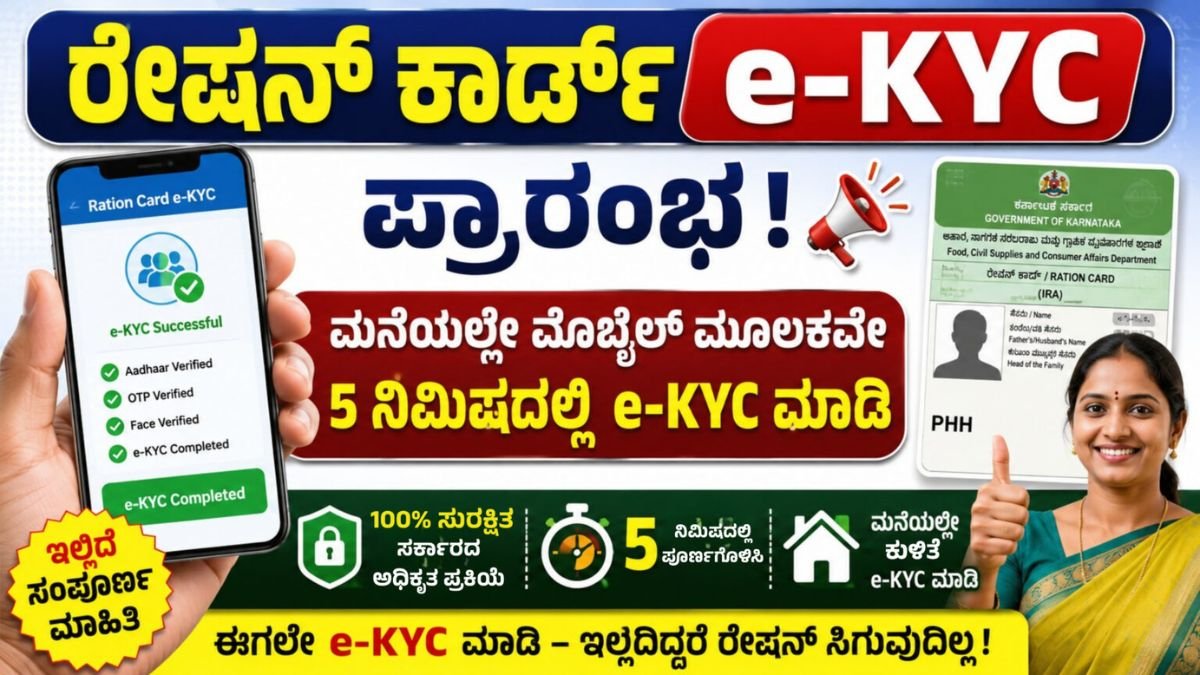
Ration card e-KYC Mandatory: Complete Face e-KYC at Home in Just a Few Minutes
Ration Card e-KYC: Ration card beneficiaries are advised to complete their Ration card e-KYC (Electronic Know Your Customer) as per the instructions of the concerned government department. e-KYC is used to verify the identity of ration card beneficiaries through Aadhaar-based authentication. Completing the process can help eligible beneficiaries continue accessing ration-related services without unnecessary difficulties.
The important thing is that beneficiaries may be able to complete Face e-KYC from home using a mobile phone, without visiting a service centre. The process uses the Mera eKYC application and Aadhaar FaceRD application for face authentication.
What Is Ration card e-KYC?
e-KYC is a digital identity verification process. Under this system, beneficiary information is verified using Aadhaar details and authentication methods. In Face e-KYC, the beneficiary’s face is captured through the mobile camera and verified digitally.
Family members whose names are included on the ration card should check their e-KYC status. Depending on the applicable state rules, the process may cover different categories of ration card beneficiaries, including Antyodaya Anna Yojana (AAY), Priority Household (PHH), APL and other eligible beneficiaries.
Requirements for Completing Ration card e-KYC at Home
Before starting the process, beneficiaries should keep the following ready:
- Android smartphone
- Stable internet connection
- Ration card number
- Aadhaar details, if required
- Aadhaar-linked mobile number where OTP verification is applicable
- Working mobile camera
- Good lighting for face authentication
It is important to use only official applications and authorised government platforms for this process.
How to Complete Ration card e-KYC
Step 1: Download the Required Apps
Open the Google Play Store on your Android smartphone and install the required official applications:
- Mera eKYC
- Aadhaar FaceRD
Both applications may be required to complete the Face Authentication process.
Step 2: Open Mera eKYC
Open the Mera eKYC application and select your preferred language. If you are completing the process for a Karnataka ration card, select Karnataka as the state.
Step 3: Enter Ration Card Number
Enter your ration card number correctly in the application. After entering the details, select the Search or Continue option.
The application should then display the details associated with the ration card.
Step 4: Check Family Member Details
The names of family members linked with the ration card will be displayed. Check each member’s details and look at their current e-KYC status.
Identify the members whose e-KYC is still pending.
Step 5: Select Face e-KYC
Select the family member who needs to complete e-KYC. Then choose the Face e-KYC or Face Authentication option.
Step 6: Complete Face Authentication
The Aadhaar FaceRD application may open automatically. The mobile camera will be activated for facial verification.
Keep your face clearly visible and follow the instructions displayed on the screen.
For successful authentication:
- Stand in a well-lit area.
- Look directly at the camera.
- Do not wear sunglasses or face coverings.
- Keep the mobile phone steady.
- Follow the on-screen instructions carefully.
Once the face is successfully authenticated, the e-KYC process should be completed.
Step 7: Check the Confirmation
After successful authentication, check the screen for an e-KYC Successful or similar confirmation message. The beneficiary should verify the status before closing the application.
If other eligible family members have pending e-KYC, repeat the same procedure for them.
What If Face Authentication Fails?
Face authentication may fail because of poor lighting, weak internet, camera problems, an unclear face image or outdated applications.
In such cases, try again in better lighting, check your internet connection, clean the camera lens and update the required applications. If the problem continues, visit the nearest Fair Price Shop or Food Department help centre for assistance.
Important Safety Instructions
Beneficiaries should use only official applications and websites. Do not share your Aadhaar OTP or other personal information with unknown people. Avoid downloading APK files from unofficial websites.
For assistance related to ration card services, beneficiaries can contact the Food Department Helpline Number: 1967.
Aadhaar FaceRD:
Website :
Ration card e-KYC
Ration card e-KYC is an important identity verification process for eligible beneficiaries. Where the facility is available, Face e-KYC can be completed from home using the Mera eKYC and Aadhaar FaceRD applications. Beneficiaries should check their e-KYC status and complete the process for eligible family members according to the latest instructions issued by their state Food and Civil Supplies Department.
Note: e-KYC procedures, eligibility and deadlines may vary by state and can change. Always verify the latest information through official government channels before completing the process.